Send invoices and follow up payments
From draft to paid invoice, with recurring invoices, OCR references, payment QR codes and ROT and RUT deductions for private customers.
Read more: invoicing
Create invoices, follow up payments and handle bookkeeping and payroll in one place. With Economy Codes you get an overview of your company's finances and see what you need to do next.
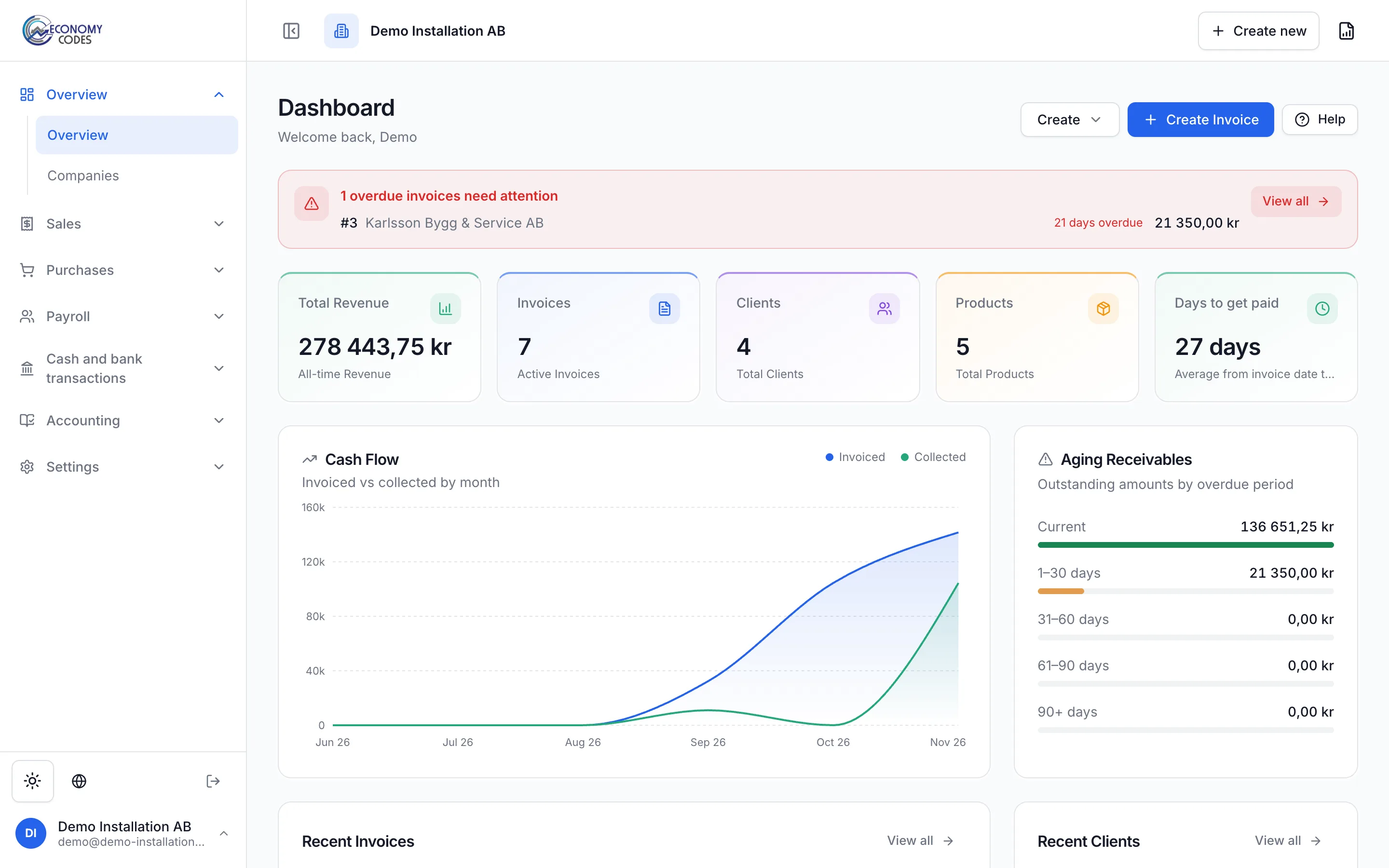
Three steps in the software, using the demo company Demo Installation AB.
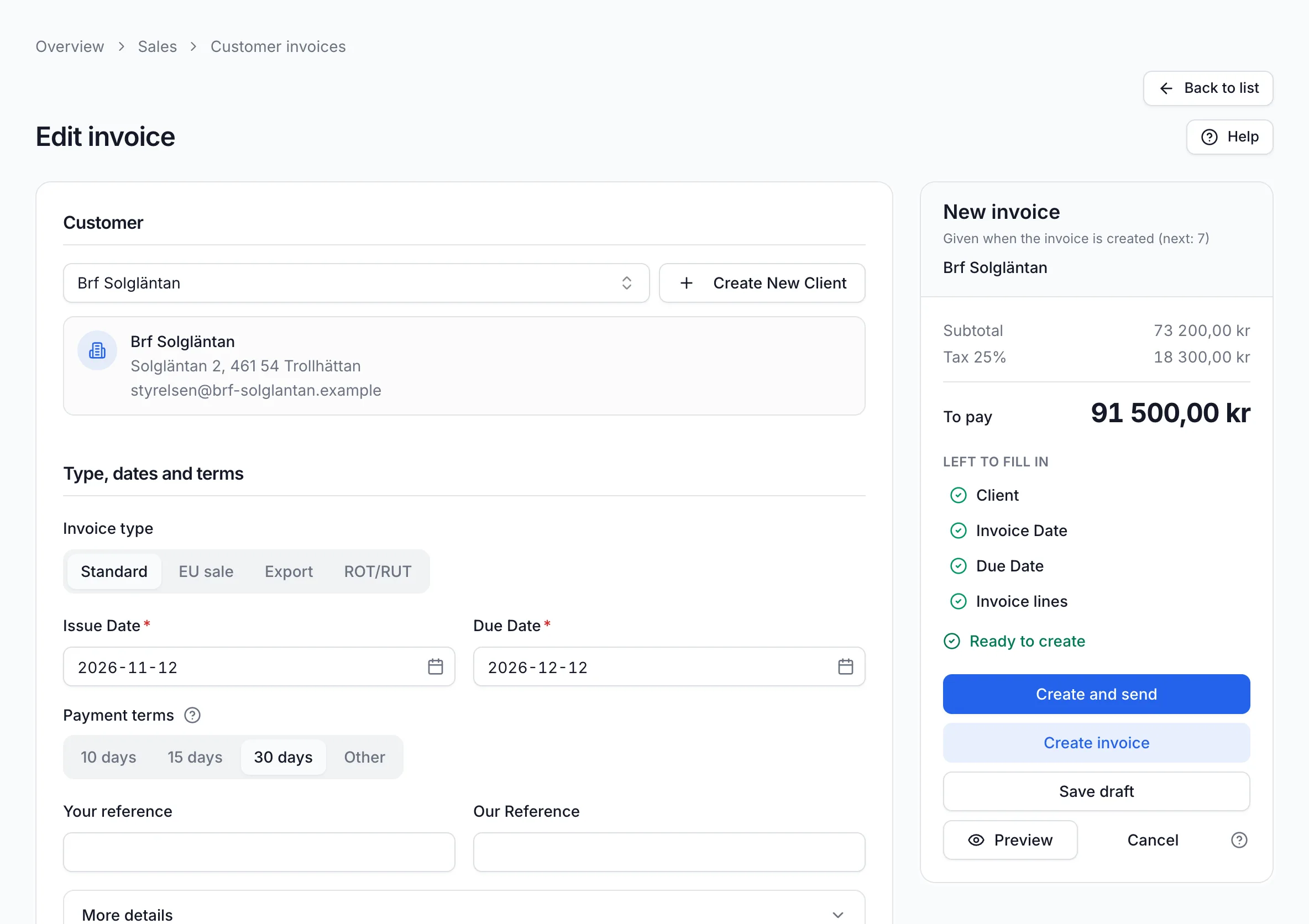
Choose the customer and add lines from your items. The due date follows from the payment terms, and the total including VAT updates as you type. Click “Create Invoice”, or “Save as draft” to finish later.
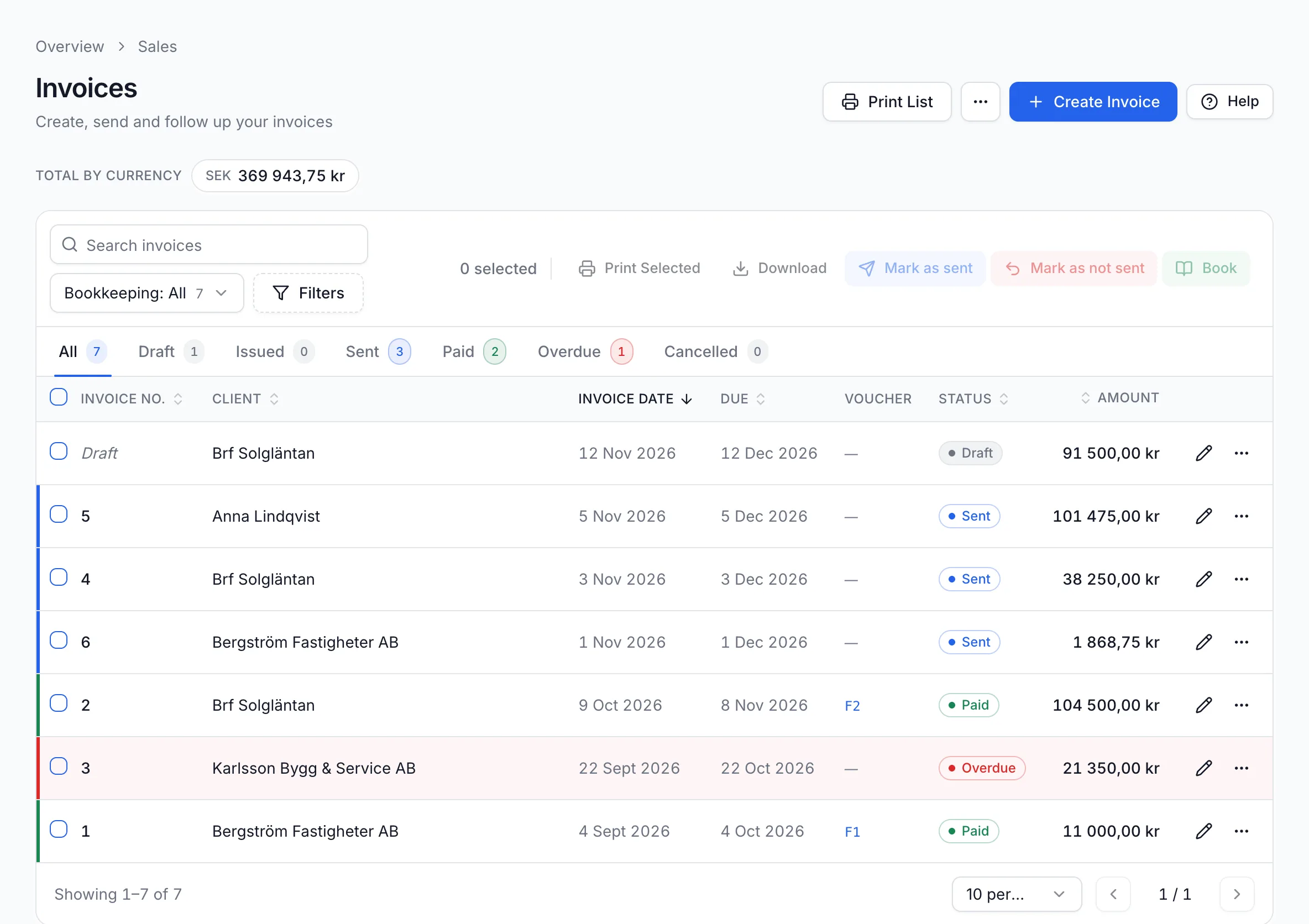
The customer invoice list shows each invoice's due date and status. The Sent, Paid and Overdue tabs show what is waiting for payment and what is late.
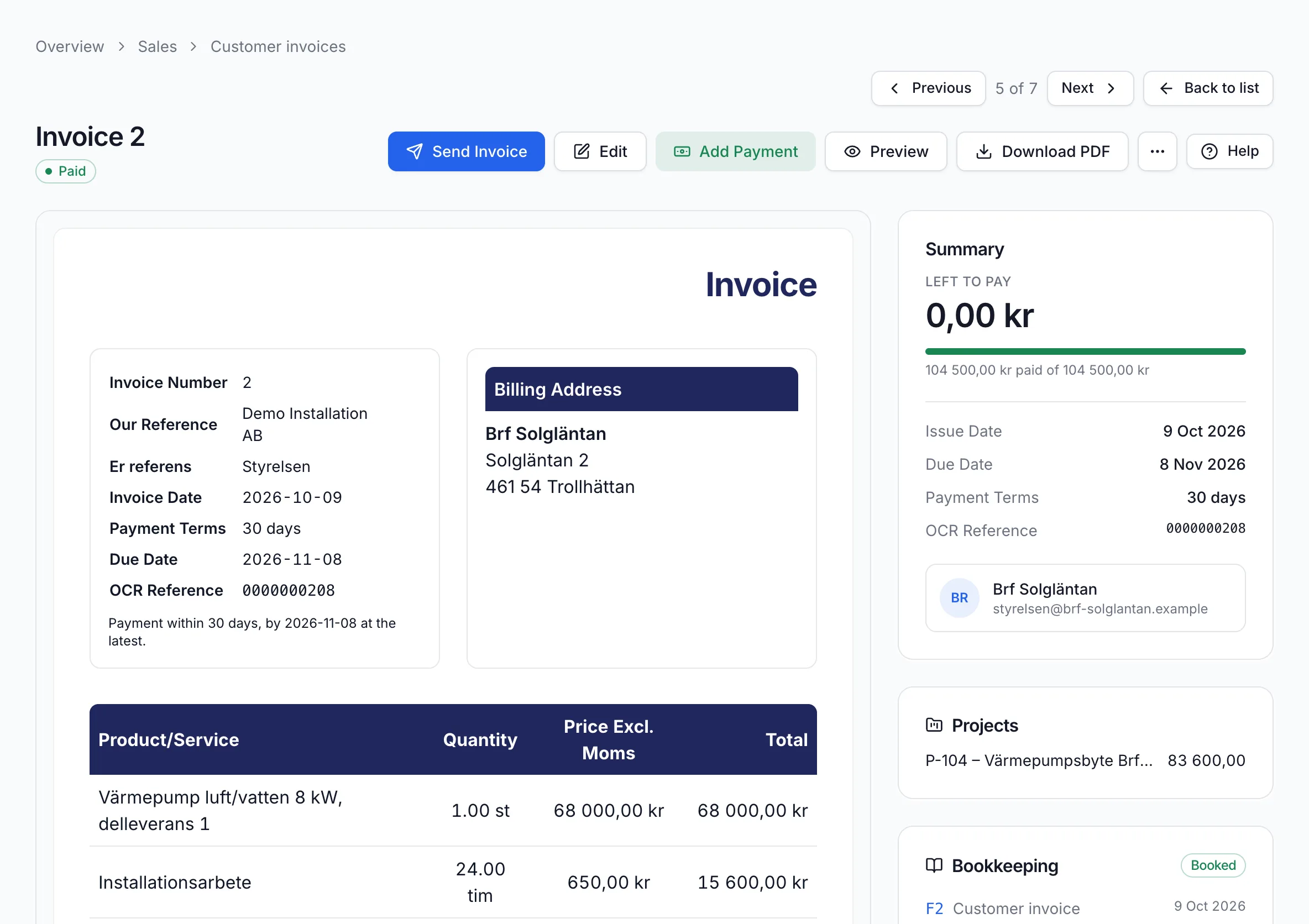
When the money arrives, you register the payment on the invoice. The amount left to pay drops to 0.00 kr and the invoice gets the status Paid.
When you have finished a job, you can create an invoice, send it to the customer and follow the payment. When a supplier invoice comes in, you can register it and link the document to your books. When it is time for payroll, you can prepare the payslips and see what needs to be paid out.
Economy Codes is built for Swedish companies. You can adapt your invoices to your business, handle VAT and use SIE files when you need to move bookkeeping data. If you have employees, you can also handle the information for the employer declaration, depending on which features are enabled for your company.
Each part is described through an everyday task, with screenshots from the software.
From draft to paid invoice, with recurring invoices, OCR references, payment QR codes and ROT and RUT deductions for private customers.
Read more: invoicing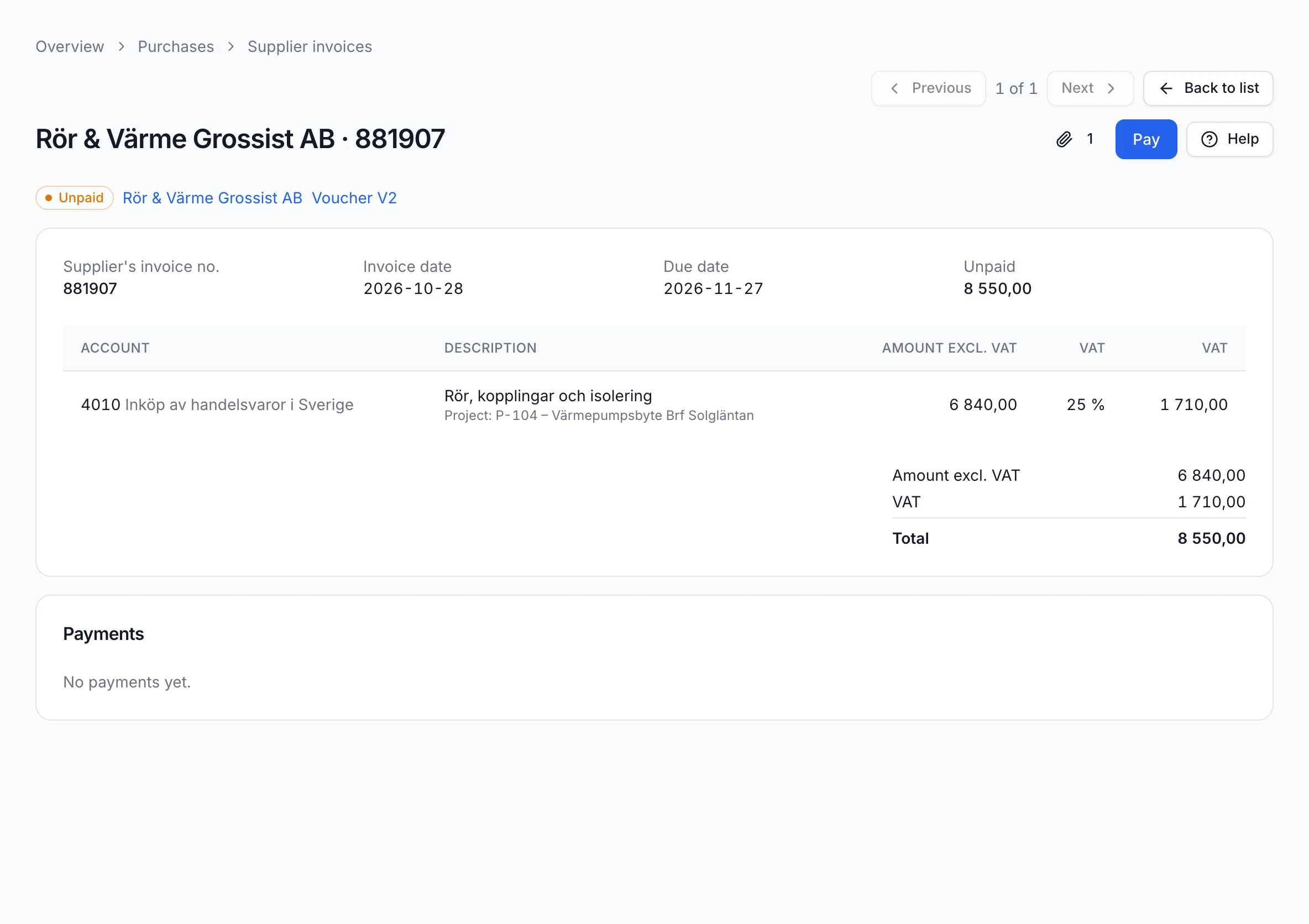
Register the supplier invoice, attach the document and see when it falls due. Suppliers are kept in their own register.
Read more: bookkeeping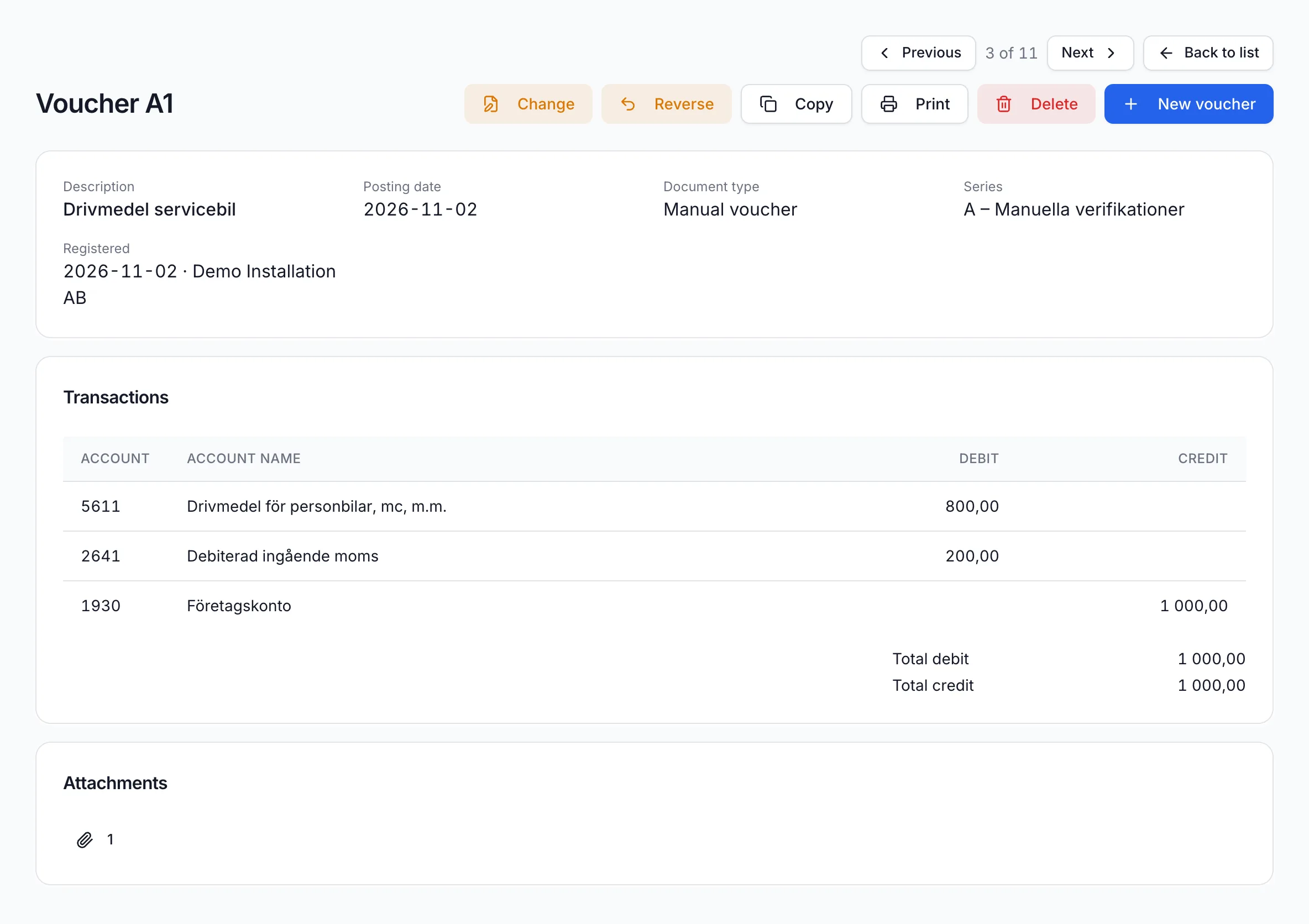
Book vouchers with the receipt attached, follow up in the general ledger and report VAT for the period.
Read more: bookkeeping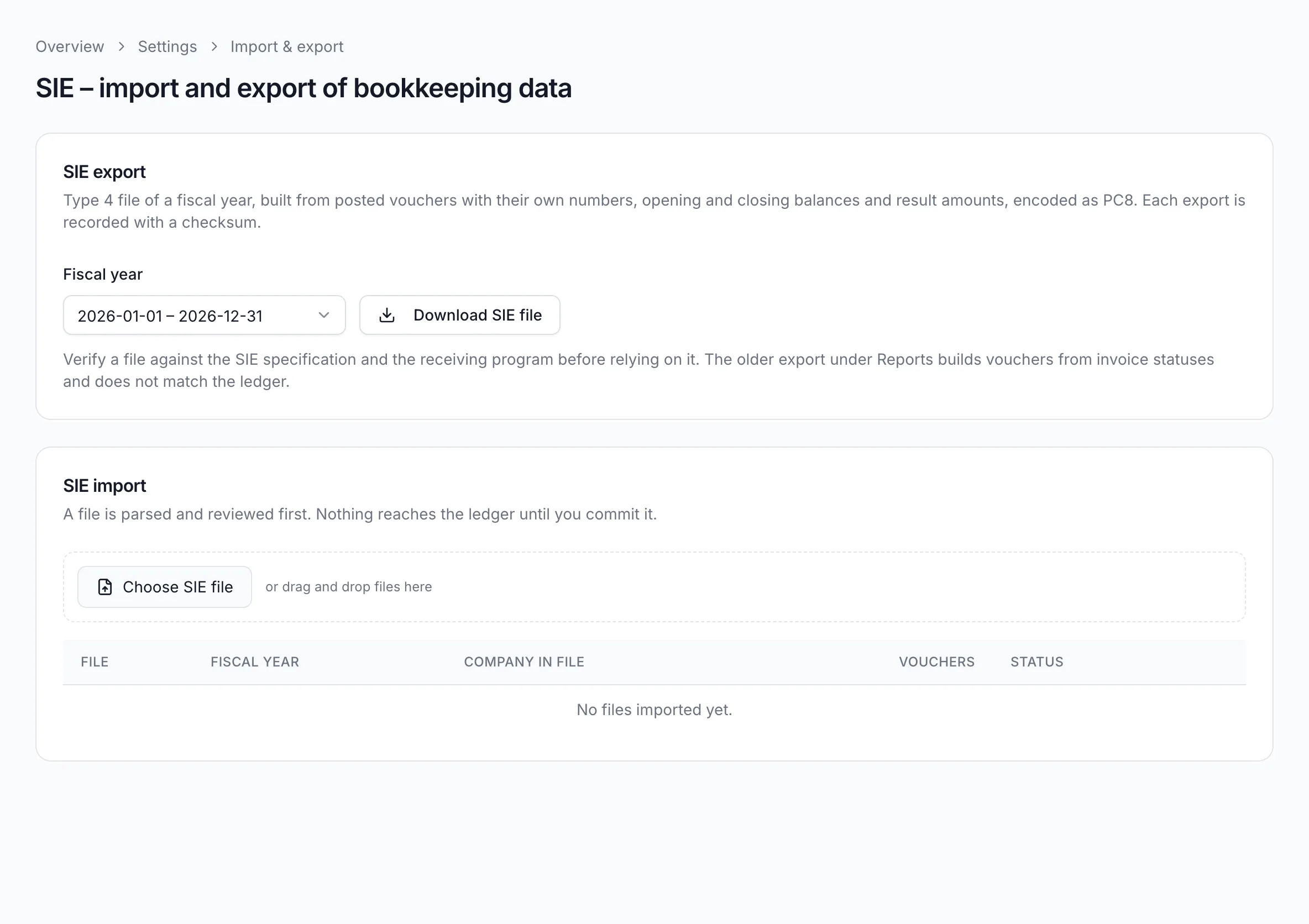
Bring in your books from your previous software, or export a fiscal year for your auditor as an SIE 4 file.
Read more: bookkeeping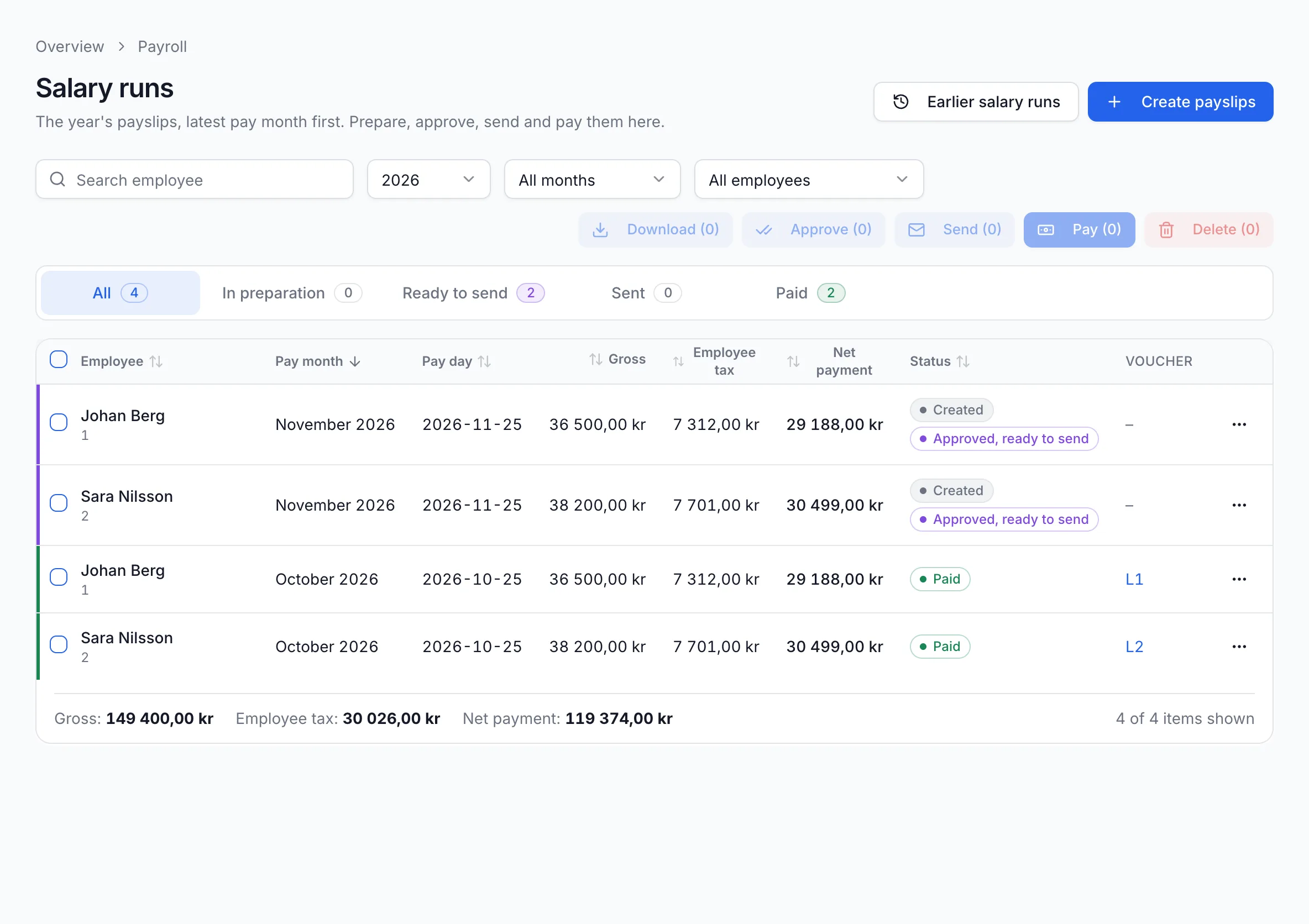
Create payslips, review and approve them, send them to your employees and see what needs to be paid out.
Read more: payroll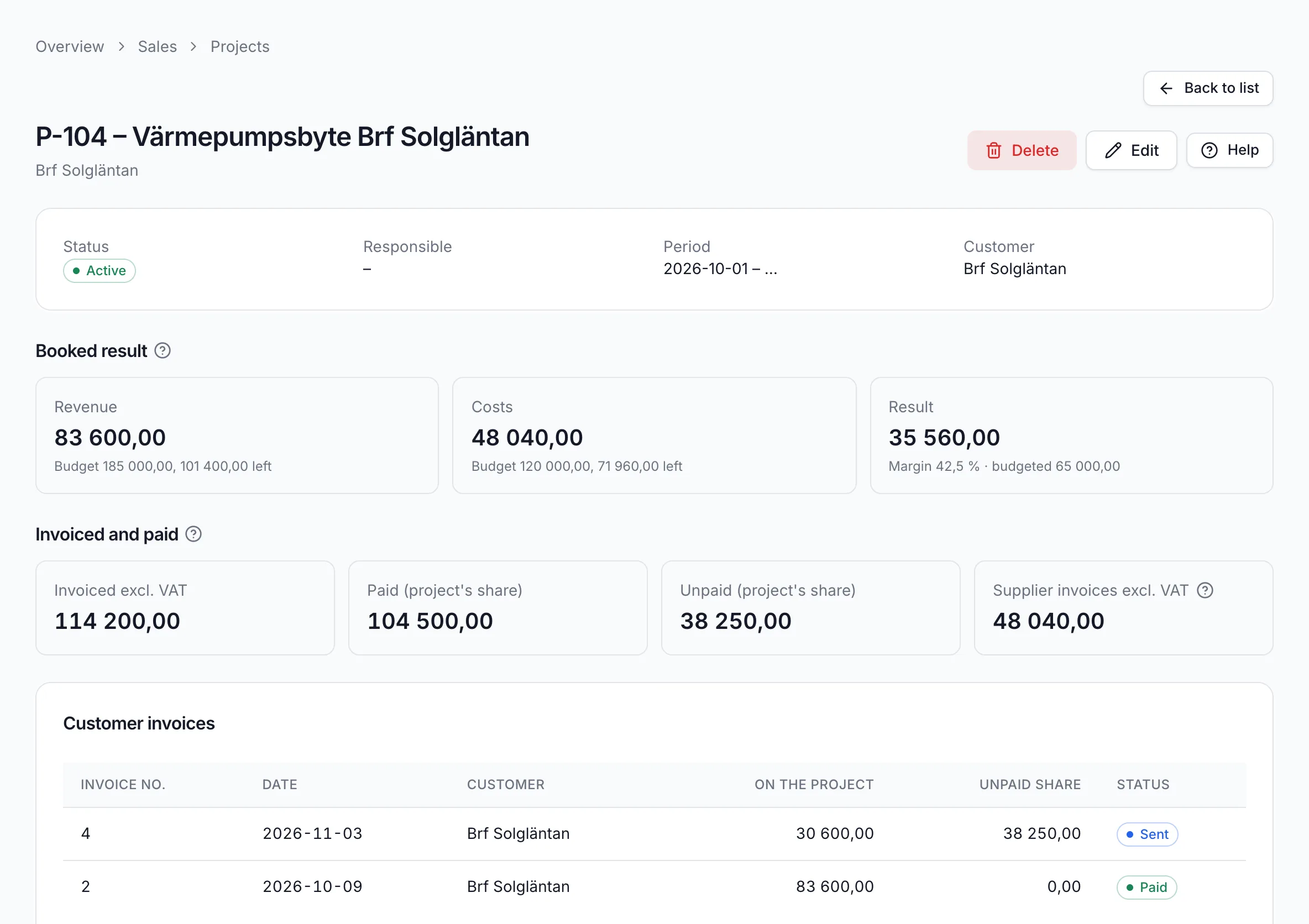
Link invoice lines and entries to a project and see what has been invoiced, paid and booked.
Read more: bookkeepingEconomy Codes moves information using standard formats: to Skatteverket, to your auditor and between accounting programs. You download the files for Skatteverket and submit them yourself in Skatteverket's e-service.
Import the chart of accounts, fiscal years and vouchers from your previous software, and export a fiscal year as an SIE 4 file.
For you if you are switching software or handing your books to an auditor.
Read more: SIE 4Preview the VAT return for the period, book the settlement and download a file that you submit in Skatteverket's e-service.
For VAT-registered companies that report their own VAT.
Read more: VAT return for SkatteverketInvoice with a ROT or RUT deduction and export the claim as a file for Skatteverket's ROT and RUT e-service.
For tradespeople and service companies doing ROT or RUT work.
Read more: ROT/RUT claims for SkatteverketInvoices in Swedish kronor with a Bankgiro or Plusgiro number get a QR code following the banks' standard, and an OCR reference when OCR is on.
For your customers, who can pay by scanning the code in their banking app.
Read more: OCR references and payment QR codesThe screenshots on these pages come from Demo Installation AB, a made-up installation company in Trollhättan with two employees. It installs heat pumps and electrics for housing cooperatives, property owners and private customers, buys materials from wholesalers and pays salaries every month. All names and amounts are demo data.
Economy Codes AB is also an Srf-authorized accounting firm. You send us your documents and we handle bookkeeping, payroll, VAT, annual accounts and tax returns.
Read about the accounting servicesBook a demo and we will walk you through invoicing, bookkeeping and payroll in the software. If you already have an account, log in directly.